“Wonderful tones. They added so much to my live setup.”
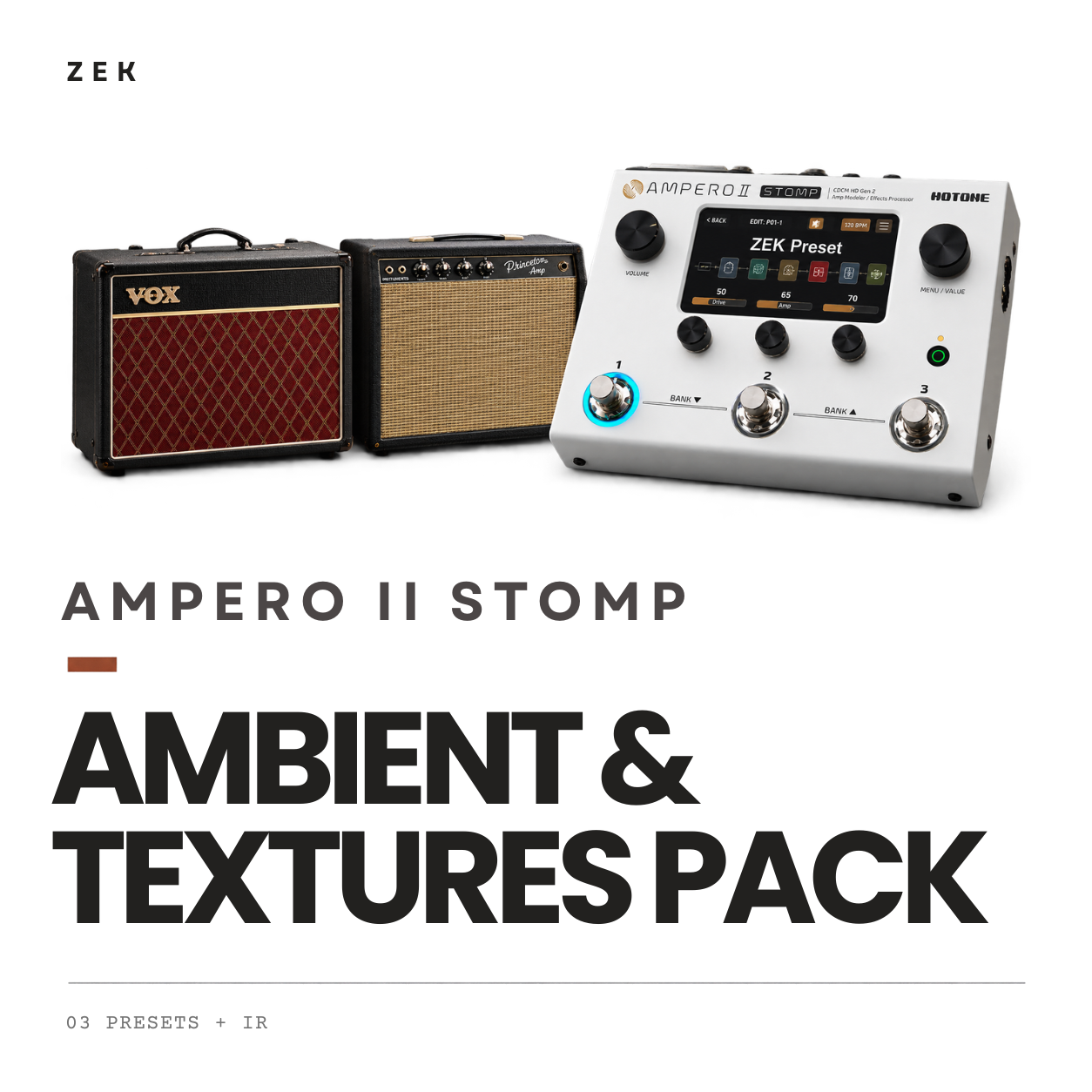
ZEK / Shop / Ampero II Stomp
Ambient & Textures Pack
Three ambient presets.
3 PRESETS / DIGITAL DOWNLOAD
US$ 5.99BRL R$ 34,90
Hear the tones.
The sound.
Three ambient voices for guitar layers, intros and interludes. SWELL creates long, cinematic guitar-pad tails, BIGSKY explores Bloom-inspired ambience and SHIMR adds ethereal octave brightness.
What’s included.
Presets
- ZEK BIGSKY-WSHIP
- ZEK SHIMR-WSHIP
- ZEK SWELL-WSHIP
Delivery
One ZIP with 3 presets and PDF installation guides in English and Portuguese.
One custom IR: ZEK - IR.wav.
Compatibility
Ampero II Stomp, Stage.
Collection feedback.
Reviews from Gumroad.
“Very good presets, I recommend them. Clean stereo sound, with plenty of detail and definition.”
FAQ
What is included in the download?+
One ZIP with 3 presets, one custom IR (ZEK - IR.wav) and installation PDFs in English and Portuguese.
How do I import the presets?+
Follow the included EN or PT PDF to import the presets and load the IR. Then adjust levels, output and EQ to your instrument and monitoring setup.
Do I need two different IR files?+
No. The pack includes one IR: ZEK - IR.wav. The installation guide explains how to load that same file into both amp/cab paths.
Can I use these tones live and in the studio?+
Yes. The collection uses dual-amp stereo tones for live performance and recording. Use a stereo setup to hear both channels and adapt levels to your monitoring system.
Which Ampero devices are compatible?+
Ampero II Stomp, Stage. Follow the included installation guide. The current material does not specify a minimum firmware version.
How do the packs differ?+
Worship Essentials has five core tones. Ambient & Textures has three ambient presets. Worship Complete combines both palettes with additional modulation, totaling ten unique presets.
Where can I get installation support?+
Start with the included installation PDF. If you still need help loading the presets or IR, contact ZEK through the site’s Support page.